Local SEO for Pakistani Businesses: A Step-by-Step Guide for 2026
MA Softs Team
Enterprise Lead Writer
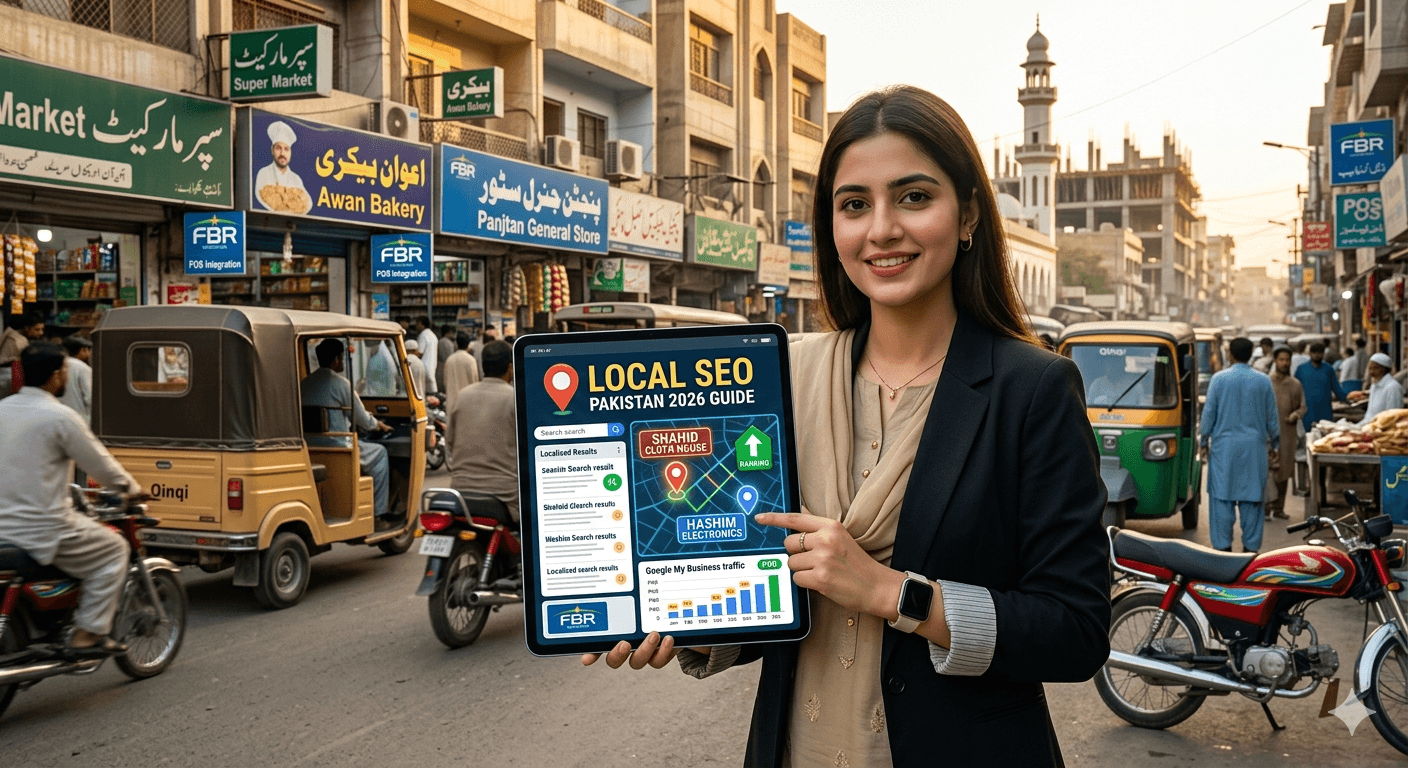
If you run a business in Karachi, Lahore, Islamabad, or any other Pakistani city, and your customers are local — people searching for a service near them — then Local SEO is the single highest-return digital marketing investment you can make.
Not paid ads. Not social media. Not influencer campaigns.
Local SEO.
Because when someone in DHA Karachi searches "web developer near me" or "AC repair Gulberg Lahore" or "dental clinic F-7 Islamabad" — Google shows them a list of local businesses before any paid ads, before any blog posts, before anything else. That list is called the Local Pack. The businesses in it get the clicks, the calls, and the customers.
This guide explains exactly how to get your business into that list — and stay there.
What Is Local SEO?
Local SEO (Search Engine Optimization) is the process of optimizing your online presence so that your business appears prominently when people search for products or services in your geographic area.
It's different from regular SEO in one important way: location intent. When someone searches "best karahi restaurant," Google knows they want something nearby. The algorithm prioritizes businesses that are physically close, well-reviewed, and properly listed online.
Local SEO covers:
- Your Google Business Profile (the single most important factor)
- Consistency of your business name, address, and phone number across the internet
- Reviews — how many you have and how recent they are
- Your website's local relevance — does it mention your city, your neighborhood, your services?
- Local backlinks — other Pakistani websites and directories linking to yours
Get these right and you show up. Get them wrong and your competitor — even one with a worse service — gets the customer.
Why Local SEO Matters More Than Ever in Pakistan
A few numbers worth knowing:
- Over 60% of Google searches now have local intent — people looking for something near them
- "Near me" searches have grown dramatically year over year globally, and Pakistan follows the same pattern
- The majority of Pakistani internet users access Google on mobile — and mobile searches skew heavily local
- Google's Local Pack (the map with 3 business listings) appears above organic results for most local queries, meaning it gets seen before anything else on the page
For a business like a clinic, law firm, restaurant, salon, retailer, school, or any service provider whose customers come from a specific city or area — ignoring Local SEO means handing customers to whoever did set it up.
Step 1: Claim and Fully Optimize Your Google Business Profile
This is the foundation of everything. Your Google Business Profile (GBP) — formerly called Google My Business — is the listing that appears on Google Maps and in the Local Pack when people search for your type of business.
Go to business.google.com and either claim your existing listing (Google may have auto-created one) or create a new one.
What to Fill In Completely
Business Name: Use your actual business name. Do not stuff keywords into it (e.g., "Ali's Plumbing | Best Plumber Karachi") — Google penalizes this and can suspend your listing.
Category: Choose the most accurate primary category. This is one of the most important ranking factors. If you're a software development company, select "Software Company" not "Computer Store." You can add secondary categories too.
Address: Your exact, complete address including area/sector/block. If you serve customers at their location rather than from a fixed address (e.g., a home cleaning service), you can set a service area instead.
Phone Number: Use a local Pakistani number. Consistent across everywhere your business is listed online.
Website: Link to your actual website, not a social media page.
Business Hours: Set accurate hours including special hours for Eid, public holidays, and Ramadan. Incorrect hours lead to bad reviews from customers who showed up and found you closed.
Description: Write 150–300 words describing what you do, who you serve, and where you're located. Naturally include your city and key services. This is not the place for keyword stuffing — write for a human reader.
Photos: Businesses with photos receive significantly more clicks and direction requests than those without. Add:
Software Development
Next.js vs WordPress: Which Is Better for Your Business Website in 2026?
- Exterior photo (so customers recognize your location)
- Interior photos
- Team photos
- Product or work photos
- Logo
Aim for at least 10–15 quality photos. Update them periodically.
Google Business Profile Posts
GBP lets you publish short posts — offers, updates, events, new services. These appear directly on your listing. Posting once or twice a week signals to Google that your business is active, which positively affects ranking.
Step 2: Get Your NAP Consistent Everywhere
NAP stands for Name, Address, Phone Number. Google cross-references your business information across dozens of online directories and data sources. If your address is listed differently in different places — different spellings, old phone numbers, inconsistent formatting — it creates a trust signal problem.
Check and correct your NAP on:
- Google Business Profile (primary)
- Facebook Business Page
- PakistanYellowPages.com
- Rozee.pk (if you hire staff, your company profile matters)
- Locally.pk
- OLX Pakistan (business profile)
- LinkedIn Company Page
- Foursquare
- Apple Maps (yes, iPhone users matter)
- Your own website's contact page and footer
The format should be identical everywhere. If your address on GBP is "Shop 4, Block B, Gulshan-e-Iqbal, Karachi," it shouldn't be "B-4 Gulshan Iqbal Karachi" somewhere else.
Step 3: Build and Manage Your Reviews
Reviews are one of the top three ranking factors for Local SEO — and they're also the biggest conversion driver once someone finds your listing.
How to Get More Reviews
The simplest tactic: ask. After completing a job, making a sale, or finishing a service, send the customer a WhatsApp message with a direct link to your Google review page. Most satisfied customers will leave a review if you make it easy — they just never thought to do it unprompted.
Create your review link:
- Go to your Google Business Profile dashboard
- Click "Get more reviews"
- Copy the short link Google generates
- Send it to customers after positive interactions
What to Say
Keep it simple. "Assalam-o-Alaikum [Name], thank you for choosing [Business Name]. If you're happy with our service, we'd really appreciate a Google review — it only takes a minute: [link]. JazakAllah Khair."
Responding to Reviews
Respond to every review — positive and negative.
For positive reviews: Thank the customer by name, mention the specific service they used, and invite them back. This shows future customers that you're attentive and personal.
For negative reviews: Respond calmly and professionally. Acknowledge the issue, apologize for the experience, and offer to resolve it offline. Never argue. A professional response to a bad review often impresses potential customers more than the bad review itself damages you.
What NOT to Do
- Never buy fake reviews. Google's detection has improved significantly and penalties include suspension of your entire listing.
- Never ask for reviews in bulk from people who haven't actually used your business.
- Never offer discounts or gifts in exchange for reviews — this violates Google's policies.
Step 4: Optimize Your Website for Local Search
Your Google Business Profile and your website work together. Google looks at your website to verify and reinforce your local relevance.
Add Location to Your Page Titles and Meta Descriptions
Instead of: "Web Development Services | MA Softs"
Use: "Web Development Services in Karachi, Pakistan | MA Softs"
Instead of: "Best Biryani in the City"
Use: "Best Biryani in Karachi | Student Biryani DHA"
Do this for your homepage and every main service page.
Create a Dedicated Contact Page with Full Address
Your contact page should include:
- Full business address (matching GBP exactly)
- Phone number
- Business hours
- An embedded Google Map of your location
- The areas/cities you serve
Add LocalBusiness Schema Markup
Schema markup is code you add to your website that tells Google explicitly: "This is a local business, here is its name, address, phone, hours, and category." It's not visible to users but it's read by search engines.
A developer can add this in under an hour. It's one of the highest ROI technical SEO tasks for a local business.
Create City or Area-Specific Pages (If You Serve Multiple Locations)
If your business operates in multiple cities — say, Karachi and Hyderabad — create a separate page for each. Each page should:
- Mention the city prominently in the title, headings, and content
- Describe your services in that city
- Include the local address and phone number for that branch
- Have unique content (not a copy-paste of another location's page)
Step 5: Build Local Citations and Backlinks
A citation is any online mention of your business's NAP — even without a link. A backlink is when another website links to yours.
For local SEO, both matter. Here's how to build them in the Pakistani context:
Local Directories to List On
- PakistanYellowPages.com
- Locally.pk
- Bizlist.com.pk
- Hamariweb.com Business Directory
- iPage.pk
- Trovit Pakistan
- Chamber of Commerce websites (KCCI, LCCI, ICCI) — if you're a member, make sure your listing is claimed and accurate
Local Backlinks Worth Pursuing
- Get featured in a local news article (Dawn, The News, Geo Business, local Karachi/Lahore outlets)
- Sponsor a local event and get a link from the event website
- Partner with complementary local businesses and exchange mentions
- Contribute a guest article to a Pakistani business or industry blog
- Get listed on industry associations relevant to your sector (Pasha for tech, APTMA for textiles, etc.)
Each local backlink tells Google: "This business is genuinely part of this community."
Step 6: Optimize for Mobile and Voice Search
The majority of local searches in Pakistan happen on mobile. A slow, difficult-to-navigate mobile website will hurt your local rankings and lose customers who arrive from your GBP listing.
Checklist:
- Mobile load time under 3 seconds (test on PageSpeed Insights)
- Tap-to-call button visible on mobile (your phone number should be clickable)
- Easy-to-find address with a link to Google Maps directions
- No intrusive popups that block content on mobile
Voice Search
"Ok Google, find a dentist near me" — voice searches are growing rapidly, especially as smartphone adoption expands in Pakistan. Voice searches are typically longer and more conversational than typed searches.
To capture voice search traffic, create an FAQ section on your website that answers natural-language questions:
- "What are your opening hours?"
- "Do you deliver to [neighborhood]?"
- "How much does [service] cost?"
- "Where are you located in Karachi?"
These question-and-answer formats match exactly how people speak their searches.

Step 7: Track What's Working
You can't improve what you don't measure. Track these metrics monthly:
In Google Business Profile Insights:
- How many people searched for your business (direct searches) vs discovered it (discovery searches)
- How many viewed your photos
- How many requested directions
- How many called you from the listing
In Google Search Console:
- Which search queries bring people to your website
- Which pages get the most impressions from local searches
- Your average position for key local terms
Rank tracking:
Search your main services + city combination from an incognito browser window every few weeks. "web developer Karachi," "accountant DHA Lahore," "bakery F-10 Islamabad" — see where you appear and track movement over time.
Common Local SEO Mistakes Pakistani Businesses Make
| MistakeWhy It Hurts | ||
| Listing on Google but never updating it | A listing with 2019 photos, no reviews, and wrong hours is worse than a minimal but accurate one | |
| Using a personal phone number instead of a business number | Inconsistency across platforms hurts your NAP signals | |
| Ignoring negative reviews | A business with 4.2 stars that responds to every review looks better than one with 4.5 stars that never engages | |
| No website or a website that's just a homepage with contact info | Google's algorithm trusts businesses that have real web presence with actual content | |
| Keyword stuffing the business name on GBP | "Ali Hassan | Best Lawyer Karachi Family Cases Divorce" will get your listing suspended |
| Setting the wrong business category | This is one of the biggest ranking factors and one of the most commonly misconfigured settings |
How Long Does Local SEO Take to Show Results?
Honest answer: 2–4 months for meaningful movement, 6+ months for sustained top-3 Local Pack visibility in competitive markets.
The factors that speed it up:
- How competitive your niche is in your city
- Whether your competitors have invested in Local SEO or left the door open
- How quickly you gather reviews
- Whether your website has existing authority
Local SEO is not a one-time task. It's an ongoing practice. Businesses that consistently publish GBP posts, respond to reviews, earn new citations, and update their content will outrank businesses that set it up once and forget about it.
Need Help With Your Local SEO?
At MA Softs, we help Pakistani businesses build the kind of online presence that shows up when their customers are searching. From Google Business Profile setup and optimization to local SEO audits, schema implementation, and website optimization — we handle the technical side so you can focus on running your business.
Get in touch for a free local SEO audit of your business.