Next.js vs WordPress: Which Is Better for Your Business Website in 2026?
MA Softs Team
Enterprise Lead Writer
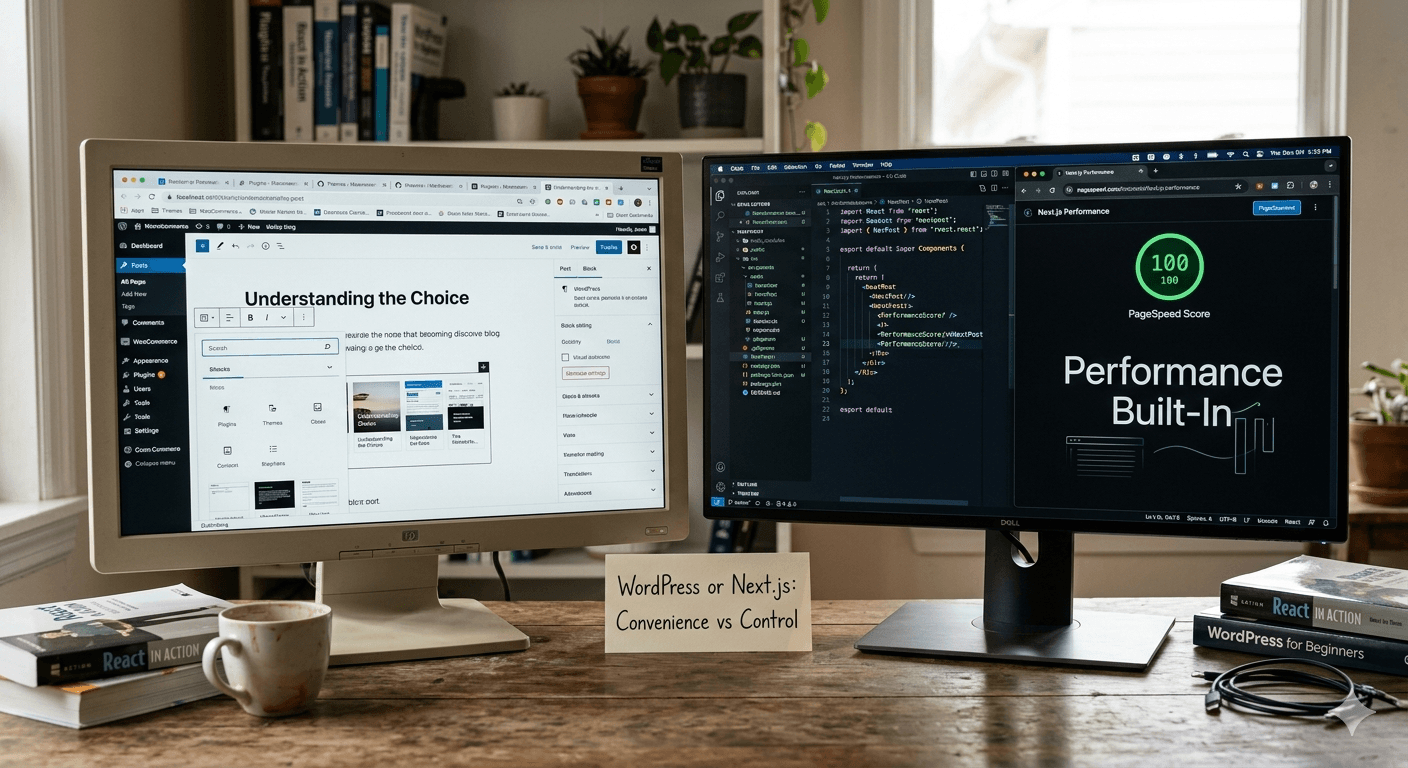
If you're planning to build or redesign your business website in 2026, you've probably encountered both names: WordPress and Next.js. One has been the dominant force in web publishing for two decades. The other is the technology powering some of the fastest, most scalable websites on the internet today.
The question isn't which one is "better" in absolute terms. The question is: which one is right for your business, your goals, and your budget?
This guide breaks it down honestly — no hype, no tribalism — so you can make the right call.
First, What Are They?
WordPress
WordPress is a Content Management System (CMS) — software that lets you build and manage a website without writing code. You install it on a server, pick a theme, install plugins, and manage your content through a visual dashboard.
Originally built for blogging in 2003, it now powers approximately 43% of all websites on the internet. It's the default choice for businesses, bloggers, agencies, and anyone who needs a website quickly and cheaply.
Who typically uses it: Small businesses, restaurants, NGOs, personal brands, news sites, e-commerce stores (via WooCommerce), and agencies building client sites at volume.
Next.js
Next.js is a React-based web development framework — a set of tools and conventions for building websites and web applications using JavaScript. It's not a CMS; it's a programming framework that developers use to build custom web experiences from the ground up.
Released in 2016 by Vercel, Next.js has become the industry standard for modern web development. Companies like Netflix, TikTok, Twitch, and thousands of fast-growing startups use it.
Who typically uses it: Software companies, SaaS startups, tech-forward businesses, and any organization that needs performance, flexibility, and custom functionality beyond what a CMS can offer.
The Core Difference: Convenience vs Control
This is the fundamental trade-off between the two:
WordPress optimizes for convenience. You can have a website live in hours without writing a single line of code. Plugins handle SEO, contact forms, e-commerce, sliders, popups — almost anything you need. Thousands of themes give you a professional design out of the box.
Next.js optimizes for control. Every pixel, every interaction, every data flow is exactly what a developer builds it to be. Nothing is assumed, nothing is templated. The result is a website that does precisely what you need — no more, no less — and performs exceptionally well.
The trade-off is effort and cost. WordPress is cheap and fast to launch. Next.js requires skilled developers and more time. But the output quality and long-term maintainability are in a completely different league.
Performance: How They Actually Compare
Performance is where the gap between WordPress and Next.js becomes most visible.
WordPress Performance
A standard WordPress installation with a few plugins, a premium theme, and shared hosting will typically score 40–65 on Google PageSpeed Insights. That's mediocre at best. To push WordPress performance higher, you need:

- A performance-optimized hosting plan (WP Engine, Kinsta, or similar premium hosts)
- A caching plugin (WP Rocket, W3 Total Cache)
- A CDN (Cloudflare or similar)
- Image optimization plugins
- Careful control of which plugins you install
Even with all of this, WordPress carries inherent overhead from PHP rendering, database queries on every page load, and plugin bloat. A well-optimized WordPress site can reach 80–90 on PageSpeed — but it takes real effort and ongoing maintenance.
Next.js Performance
Next.js is built with performance as a first principle. It supports:
- Static Site Generation (SSG): Pages are pre-built at deploy time and served as static files — effectively instant load times
- Server-Side Rendering (SSR): Dynamic pages are rendered on the server and delivered fully formed to the browser
- Incremental Static Regeneration (ISR): Static pages that update in the background without rebuilding the entire site
- Automatic code splitting: Users only download the JavaScript they actually need for the current page
- Built-in image optimization: Next.js Image component handles compression, lazy loading, and format conversion automatically
A Next.js site built by a competent developer routinely scores 90–100 on PageSpeed Insights. For a business where website speed directly affects conversions, lead generation, or e-commerce revenue, this difference is measurable in rupees.
Why this matters for Pakistan: Many Pakistani users access websites on mobile connections that aren't always fast. A slow website loses customers before they ever see your product. Google also uses page speed as a ranking factor — a faster site ranks higher.
SEO: Which One Ranks Better?
This is one of the most common misconceptions about WordPress: that it's inherently better for SEO because of plugins like Yoast or RankMath.
Those plugins are tools that help you manage SEO tasks — meta titles, descriptions, sitemaps, schema markup. They don't make your site rank higher on their own.
What actually affects SEO:
- Page speed — Next.js wins significantly
- Core Web Vitals (LCP, FID, CLS) — Next.js wins significantly
- Crawlability — Both handle this well when set up correctly
- Content structure — Both can implement proper heading hierarchy and semantic HTML
- Meta tags and schema — Both support this fully; Next.js via libraries like next-seo
The honest truth: a well-built Next.js site will outrank a typical WordPress site because it loads faster, has better Core Web Vitals, and delivers a better user experience — all of which Google weighs heavily in 2026.
WordPress's SEO advantage is not in the technology. It's in the ease of content management for non-technical users, which makes it easier to publish content consistently. Consistent content publishing is a massive SEO factor. If your team can't update a Next.js site without calling a developer every time, that kills your content strategy.
Security: A Real Concern for WordPress
WordPress's popularity is both its strength and its biggest vulnerability. Because 43% of the internet runs on WordPress, it's the most targeted platform for automated attacks.
Common WordPress security issues:
- Vulnerable plugins (thousands of plugins have known security holes)
- Outdated themes being exploited
- Brute force attacks on the /wp-admin login page
- Malware injection through compromised hosting
This doesn't mean WordPress is insecure by default — but it means security requires active maintenance: regular updates, plugin audits, security plugins, and good hosting. Many Pakistani business websites on cheap shared hosting with outdated plugins are one automated scan away from being hacked.
Next.js doesn't have these systemic vulnerabilities. There's no plugin ecosystem to exploit, no universal admin URL to brute-force, no PHP execution layer to inject into. Security is primarily determined by your developer's practices on the backend API, which is a controlled surface.
Ease of Content Management
Here WordPress wins — and it wins clearly.
Your marketing team, content writer, or social media manager can log into WordPress and publish a blog post, update a service page, change a price, or add a team member photo without touching any code. The Gutenberg editor is visual and intuitive. Dozens of page builder plugins (Elementor, Divi) make layout changes drag-and-drop simple.
With Next.js, content is typically managed in one of two ways:
- Headless CMS integration — Connect Next.js to a content management tool like Sanity, Contentful, or Strapi. Non-technical users manage content in that CMS; Next.js pulls the data and renders it. This gives you the best of both worlds but adds cost and complexity.
- Developer-managed content — Content lives in code or a database that only developers can edit. Fine for content that rarely changes; a bottleneck if you publish frequently.
For businesses with active content marketing or blog strategies, this needs serious consideration. If your team needs to publish three blog posts a week without developer help, WordPress's content workflow is genuinely superior.
Cost Comparison
WordPress Website Cost (Pakistan, 2026)
| TypeEstimated Cost | |
| DIY with free theme | PKR 5,000–15,000/year (hosting + domain only) |
| Freelancer with premium theme | PKR 30,000–80,000 one-time |
| Agency-built business site | PKR 80,000–250,000 one-time |
| Ongoing maintenance | PKR 5,000–20,000/month |
Next.js Website Cost (Pakistan, 2026)
| TypeEstimated Cost | |
| Basic business site (Next.js) | PKR 80,000–150,000 one-time |
| Mid-complexity site with CMS | PKR 150,000–350,000 one-time |
| Complex web application | PKR 400,000–1,000,000+ |
| Hosting (Vercel or VPS) | PKR 5,000–20,000/month |
Next.js costs more upfront. The return comes from better performance, lower long-term maintenance overhead, and the ability to build custom features that WordPress plugins can never properly handle.
When to Choose WordPress
WordPress is the right choice when:
- You need a website quickly and on a tight budget. For a service business, restaurant, NGO, or small retail operation, WordPress delivers a professional web presence at a fraction of the cost.
- Your team needs to manage content independently. If non-technical staff will regularly update the site, WordPress's CMS is genuinely easier to work with.
- You need e-commerce without custom requirements. WooCommerce is mature, well-documented, and handles most standard online store needs.
- You're building a blog or content-heavy site. WordPress was built for this and remains excellent at it.
- You need a large plugin ecosystem. If your business relies on specific third-party tools (booking systems, membership platforms, specific payment gateways), WordPress likely has a plugin for it.
When to Choose Next.js
Next.js is the right choice when:
- Performance is critical to your business. E-commerce where a 1-second delay costs conversions. Lead generation sites where PageSpeed affects ad Quality Scores. Any site where speed directly ties to revenue.
- You need custom functionality that plugins can't cleanly handle. Complex calculators, dynamic pricing engines, real-time features, custom dashboards, or integrations with proprietary systems.
- You're building a web application, not just a website. If users log in, have profiles, interact with data, or perform transactions, you're building an app — not a site. Next.js is built for this; WordPress is not.
- Security is non-negotiable. Financial services, healthcare, legal, or any business handling sensitive client data should think twice about WordPress's attack surface.
- You're building for scale. A startup that expects rapid user growth needs architecture that scales cleanly. WordPress on shared hosting does not.
- You want a competitive edge from your web presence. If your website is a core part of your product or your growth strategy, build it with the tool that performs best.
The Hybrid Approach: Headless WordPress + Next.js
There's a middle path worth knowing about: headless CMS architecture.

In this setup, WordPress is used purely as a content management backend — your team still uses the familiar WordPress editor to write and publish content — but the frontend (what users see) is built in Next.js. WordPress serves content through its REST API or GraphQL; Next.js fetches that content and renders it with full performance optimization.
You get:
- Non-technical content management (WordPress advantage)
- Blazing-fast frontend performance (Next.js advantage)
- Better security (the WordPress admin is completely hidden from the public internet)
The trade-off is higher development cost and more infrastructure to manage. For a mid-to-large business with both an active content team and serious performance requirements, it's often worth it.
Our Honest Recommendation
For most small and medium businesses in Pakistan that need a clean, professional online presence and don't have complex functionality requirements — WordPress is perfectly fine. It's cost-effective, fast to launch, and easy for your team to manage.
But if your business is growing, if your website is a core revenue driver, if you need custom functionality, or if you're building something that goes beyond a brochure site — invest in Next.js. The performance, security, and flexibility advantages compound over time and the quality gap will be visible to your customers from day one.
The worst outcome is paying for a cheap WordPress site that looks dated in two years, loads slowly on mobile, gets hacked due to an unpatched plugin, and needs to be rebuilt from scratch. At that point, the "affordable" choice turns out to be the expensive one.
Not Sure Which One Your Project Needs?
At MA Softs, we've built both — WordPress sites for clients who need fast, affordable launches and Next.js applications for businesses that need performance and custom functionality. We'll tell you honestly which one fits your project rather than defaulting to whichever is easier for us to build.
Book a free consultation and let's figure out the right fit for your business.